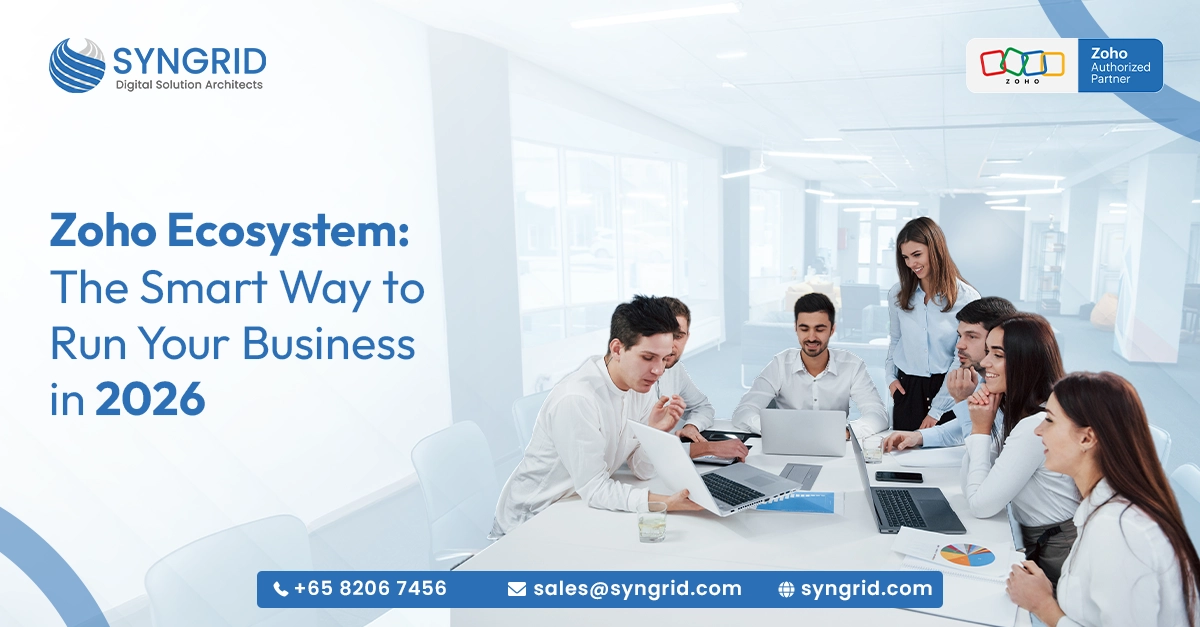
Zoho Ecosystem: The Smart Way to Run Your Business in 2026
Introduction Running a business in 2026 means juggling more tools, more data, and more customer expectations than ever before. Most businesses end up stitching together a dozen different apps and paying for the chaos that follows. The Zoho ecosystem offers a smarter alternative. It’s a fully integrated suite of over 55 business applications that covers everything from sales and marketing to finance, HR, and operations. Instead of managing disconnected software, you run your entire business from one connected platform. In this post, you’ll discover what makes the Zoho ecosystem so powerful, which apps matter most, and how Syngrid Technologies, an authorized Zoho partner, helps businesses implement it the right way. What Is the Zoho Ecosystem and Why Does It Matter? ating system designed to help companies of all sizes work more efficiently and grow more consistently. One platform, many solutions: Zoho covers CRM, accounting, HR, project management, email, marketing, analytics, and more all under one roof. Deep native integration: Every Zoho app is built to work with the others, so your data flows automatically without manual imports or API workarounds. Centralized data management: Customer records, financial data, and team activity all connect in real time, giving you a single source of truth. Affordable at scale: Zoho’s pricing is significantly lower than competitors like Salesforce or Microsoft 365, making it accessible for growing businesses. Privacy-first approach: Zoho doesn’t rely on advertising revenue, which means your business data is never sold or monetized. Constant product development: Zoho releases regular updates and new features across its suite, keeping the ecosystem modern and competitive. For businesses tired of paying for multiple disconnected tools, the Zoho ecosystem is a genuinely compelling alternative that delivers real value. Core Zoho Apps Every Business Should Know About With over 55 apps available, it helps to understand which tools form the backbone of the Zoho ecosystem. These are the ones most businesses start with and rely on most. Zoho CRM: The flagship product. Manages leads, contacts, pipelines, and customer communication in one powerful dashboard. Zoho Books: A full-featured accounting platform that handles invoicing, expenses, bank reconciliation, and tax compliance. Zoho People: An HR management tool that covers attendance, leave management, performance reviews, and employee records. Zoho Projects: A project management app with task tracking, timelines, Gantt charts, and team collaboration features. Zoho Campaigns: An email and SMS marketing tool that lets you build, automate, and track campaigns with ease. Zoho Desk: A customer support platform with ticketing, SLA management, and self-service portal capabilities. Zoho Analytics: A business intelligence tool that pulls data from across the ecosystem and turns it into actionable visual reports. These apps work individually, but their real power shows when they’re connected, which is exactly what the Zoho ecosystem is designed for How the Zoho Ecosystem Connects Your Entire Business The biggest advantage of choosing Zoho isn’t any single app; it’s the way everything works together. Integration is built in, not bolted on. That changes everything. CRM to Books: When a deal closes in Zoho CRM, an invoice is automatically generated in Zoho Books; no manual entry required. CRM to Campaigns: Customer segments from Zoho CRM feed directly into Zoho Campaigns for targeted, personalized marketing. Desk to CRM: Support tickets in Zoho Desk link directly to customer records in Zoho CRM, giving your team full context every time. People to Projects: Employee data from Zoho People connects with Zoho Projects to track workloads and resource allocation seamlessly. Analytics across all apps: Zoho Analytics pulls live data from every connected app, giving leadership a real-time view of the entire business. Automation with Zoho Flow: Cross-app workflows can be automated using Zoho Flow, eliminating repetitive tasks across departments. Single sign-on: Employees access every app with one login, reducing friction and improving security across the business. This level of connectivity means your teams stop working in silos and start working as one coordinated unit. Why the Zoho Ecosystem Is the Right Choice for 2026 Business software needs to keep up with the speed of modern business. In 2026, the Zoho ecosystem stands out for several reasons that go beyond features and pricing. AI-powered capabilities: Zoho’s built-in AI assistant, Zia, helps with sales predictions, anomaly detection, sentiment analysis, and smart suggestions across apps. Remote and hybrid work ready: Cloud-based access, mobile apps, and real-time collaboration tools make Zoho ideal for distributed teams. Scalable for growth: Start with just Zoho CRM and Books, then add apps as your business expands without migrating to a new platform. Industry-specific solutions: Zoho offers tailored configurations for sectors like retail, real estate, healthcare, and professional services. Regulatory compliance support: Zoho helps businesses stay compliant with GDPR, data localization requirements, and local tax regulations. Strong community and support: A large global community, extensive documentation, and dedicated support make Zoho easier to adopt and maintain. For businesses planning their technology stack in 2026, the Zoho ecosystem offers the rare combination of depth, flexibility, and affordability. How Syngrid Technologies Makes Zoho Work for Your Business Choosing the Zoho ecosystem is the first step. Implementing it correctly is what determines whether it actually transforms your business. As an authorized Zoho partner, Syngrid Technologies brings certified expertise and proven implementation experience to every project. Authorized Zoho partner advantage: Being an official Zoho partner means Syngrid Technologies has direct access to Zoho’s technical team, priority support, and the latest product updates so your implementation is always best-in-class. Business process mapping: Syngrid Technologies starts by mapping your current workflows to identify exactly which Zoho apps and configurations will deliver the most value. Custom Zoho setup: Every business is different. Syngrid configures Zoho modules, fields, automations, and dashboards to match your specific operations. Seamless data migration: Your existing data from spreadsheets, legacy software, or other CRMs is migrated cleanly into the Zoho ecosystem without data loss. Cross-app integration: Syngrid connects all relevant Zoho apps so your data flows automatically between departments from day one. Team training and adoption support: Hands-on training ensures your staff is confident using Zoho, reducing resistance and speeding